Composure is a MIDI engine with sixteen channels, four of them named. That sentence is worth sitting with, because the number is the design.
The map lives in a single file called channelMap.ts, and it reads like this: sixteen channels total. Four carry default roles, sitting on channels one through four — Drums, Bass, Chords, Melody. Channels five through sixteen are open. Unnamed. Waiting.
A five-lane box is a thing you fill. A sixteen-channel map with four names and twelve blanks is a thing you grow into — and it tells you what the designer actually believed: that the interesting part of a music tool is the part you haven't assigned yet.
Voices, not tracks
A song is a stack, not a sequence. That is true of most music software, and it is the easy half of the idea. The useful distinction is the one the interface actually enforces.
A track in a digital audio workstation is a container. It holds clips, and clips hold events, and the events sit at positions along a timeline. You edit by moving things around on that line. A channel in Composure is not a container. It is a voice, and it exists for the entire duration of the piece whether or not it is sounding. When the agent changes the bass, it is not editing a region of a timeline. It is speaking to one voice and leaving the others alone.
That is the whole trick, and it is the reason the app can be handed to a model at all. Modify one, the rest hold. No re-roll. No regenerating the song and hoping the parts you liked survive. You name the voice, you say what should change, and the other fifteen channels do not move.
And the unit of work is not a file. It is a session. That distinction sounds academic until you use it: sessions can be listed, opened, edited and played back by something other than you — which is the next part, and the part that changes what this tool is.
Two agents, one instrument
Composure is agent-native in both directions. There are two separate agent surfaces, and they reach the same engine.
The first is a Model Context Protocol server, bundled with the desktop app, speaking JSON-RPC over Streamable HTTP on localhost port 9473. It exposes sixteen tools — and the list is worth reading in full, because the list is the product:
- play_midi, stop, get_playback_state — transport
- modify_playback — change a performance that is already running
- play_session, list_sessions, get_session, update_session, save_current — the session archive
- get_channel_map, update_channel_map — the map itself is writable
- soundscape, drum_forge, synth_forge, create_mood — generation
- status — what the engine is doing right now
Read the middle of that list again. An outside agent can program drums, build a synth patch, generate a soundscape, author a mood, and modify a performance while it plays. It can rewrite the channel map. It is not being handed a prompt box with a music-shaped lid on it. It is being handed the instrument.
The second surface is internal. Inside the app lives Muse, a working agent with its own tool set — twelve of them: playMidi, stopPlayback, saveCurrent, getPlaybackState, modifyPlayback, playSession, updateSession, updateChannelMap, createMood, updateSoundscape, updateDrumForge and updateSynthForge. Which means the same engine answers to a model sitting on your desktop and a model living inside the window.
The agent does not get a prompt box with a music-shaped lid on it. It gets the instrument — play, stop, modify, generate, rewrite the map. — Studio Notes, Composure Design Log
What is actually in the box
The rooms are the argument. Each one is a finished instrument, not a tab with a knob on it.
Fourteen of them, and several are unlike anything else in the category.
Soundscapes — a generative engine, not a preset list
A full ambient synthesis engine on Tone.js, driven by fourteen moods: Joy, Dark, Mystic, Deep, Calm, Sad, Tense, Sweet, Cinematic, Ethereal, Warm, Cosmic, Meditative, Dreamlike. Each mood isn't a filter setting. It's a parameterized frame that shapes pattern generation across seven modes — drone, arpeggio, strum, pulse, random, percussion and melody — under a voice ceiling. You author a mood, you don't select one.
Synth Forge — and a Chladni visualizer
A full synthesis workbench, and a visualizer that renders Chladni patterns — the standing-wave figures that appear when you bow a plate of sand. The picture is generated from the sound of your patch. Change the sound and the geometry moves.
Radio — and yes, it really does generate music live
The internet radio is not a stream player. Alongside the stations sits a station graph and a 3D pearl visualization — a spherical particle orb with a perspective terrain mesh, bloom compositing, ripples, rising particles, oscilloscope waveforms and emissive haze columns. Five named render layers, in a radio.
More significantly: the radio instantiates Lyria, Google's realtime music-generation model, so it can produce audio on the fly rather than only play what already exists. Lyria is not a secondary option or a tool inside a tool. It is an active model binding inside the app's biggest component.
Sheet music — written from scratch
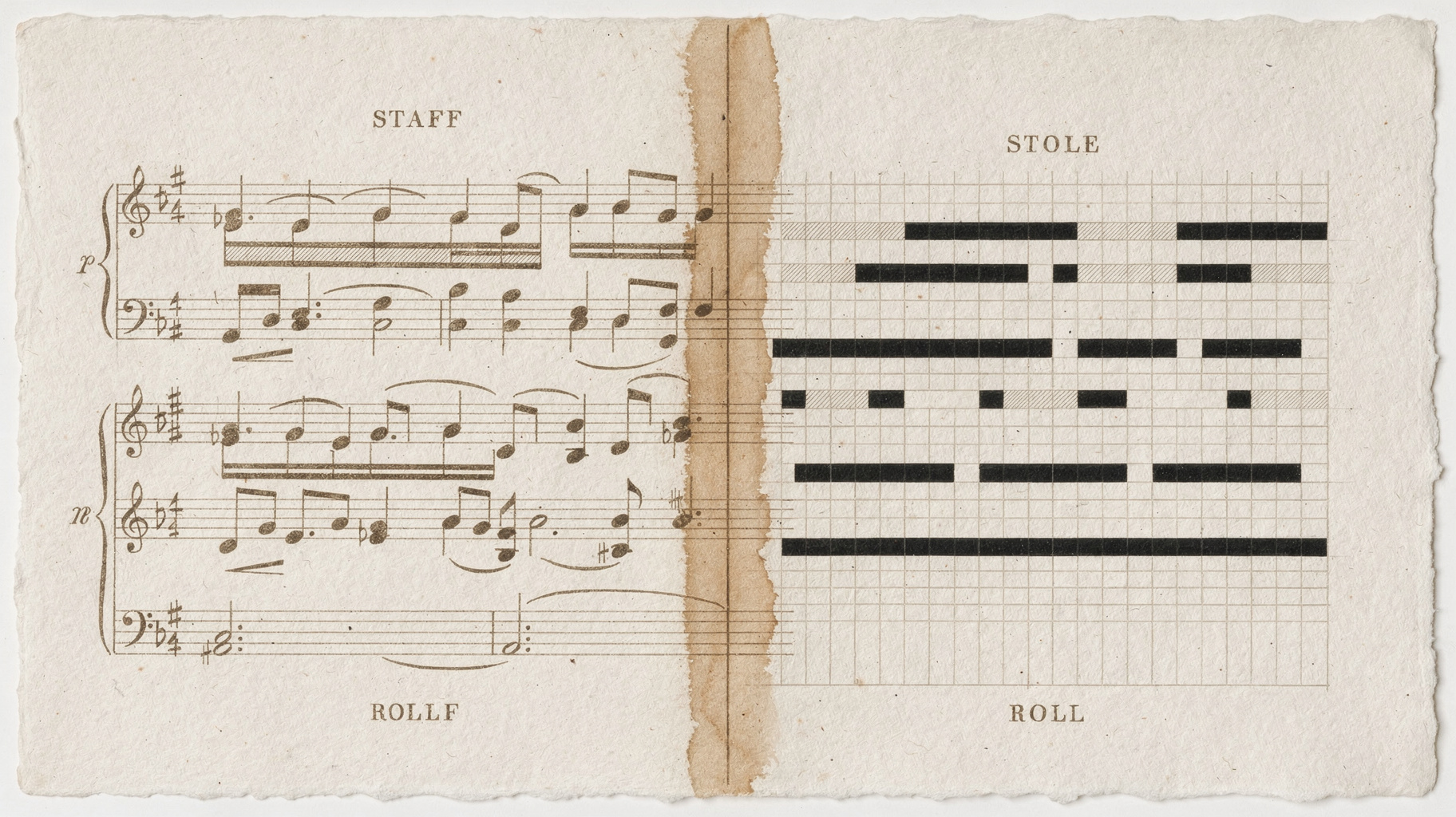
The notation view is a real engraver, and it is not VexFlow, not OpenSheetMusicDisplay, not abcjs. It is hand-written, drawn onto a canvas, and it handles the problems that actually matter:
- Key signatures and courtesy accidentals — the reminder sign a careful engraver puts in when a note's accidental carries over from the previous bar
- Tied notes across barlines, with the arcs drawn in the correct direction for each voice
- Beam grouping that respects the beat, hairpins for crescendo and diminuendo, fermatas, and 8va spans
- Independent treble and bass staffs
Someone sat down and wrote a music engraver. Most notation software is built on a library that took years to write. This one was written in-house, in TypeScript, on a canvas.
The rest of the bench
- Drum Forge — a step sequencer and sample engine, playable by hand or by an agent.
- Basic Pitch, on-device — hum a line and it becomes MIDI at 22.05 kHz, offline. No upload, no cloud round trip. The fastest path from head to mutable object that exists in the app.
- Knowledge Graph — a living map of your sessions, ideas and the relationships between them.
- Dungeon Master — a quest engine that hands the instrument a brief, so it can collaborate on something other than your last idea.
- Sketch — a drawing room. Because the idea arrives before the notes do.
- Vault — sessions, patches and audio in one searchable archive. The archive is the instrument.
- Composer — the notation view, which is really the room where the engraver lives.
What it does with your hands
Three integrations matter more than any feature list.
It talks to your DAW, on the clock
Composure opens a virtual MIDI output and runs a MIDI clock at 24 pulses per quarter note, with proper start and stop messages. That is the real thing, not a novelty: a DAW slaved to that clock will follow Composure's tempo, and it is built for Maschine, Ableton and FL Studio. Separately, MidiContext handles hardware MIDI both ways — inputs, outputs, device selection, and it remembers your device by name across sessions.
So the sketch doesn't end in the sketchbook. It arrives in the session you're already working in, on the grid, in time.
Your humming becomes notes, locally
Basic Pitch runs on-device at 22.05 kHz. You sing a line, it becomes MIDI events, they land in the session as editable data. Offline. Nothing is uploaded and nothing round-trips through a server. This is the shortest distance between the idea in your head and an object you can modify, and it is a genuinely rare thing to find implemented locally.
The tablet is a controller, not a companion app
The Android build is a remote MIDI controller over your own local network. The desktop runs a sync server on port 19319 and exposes routes for info, manifest, sessions, audio, patches, handshake, API keys and a controller relay. A WebSocket carries control events back; the desktop routes them straight into local playback.
Which means the tablet on your music stand is not showing you a read-only mirror. It is an input surface for the instrument on the desk — the thing you reach for while both hands are busy.
Sixteen channels, four of them named. Sixteen tools on one side of the wall, twelve on the other. The rest is left open on purpose. — Studio Notes, Composure Design Log
Why this is worth your attention
The interesting thing about Composure is not that it makes music with a model. Plenty of things make music with a model.
It is that the instrument was designed from the beginning as something a non-human could play — and not as a novelty. The channel map is writable by an agent. The session archive is readable and editable by an agent. A performance in progress can be modified without stopping it, by something that is not you, without disturbing the other fifteen voices. Those are not features bolted onto a sketchpad. They are the reason the sketchpad was built the way it was.
Most tools in this category treat generation as a one-shot act: you prompt, it produces, the output is sealed, and if the bassline is wrong you regenerate everything and hope. That is the timeline metaphor applied to AI — the model is a track, and you keep the track or you don't.
Composure took the other road. Voices persist. The agent edits one and the rest hold. And underneath all of it sits a hand-written music engraver, a Chladni visualizer driven by your patch, fourteen moods you author rather than select, a radio that can generate what it plays, and an archive that keeps every session you have ever made.
That is not a sketchbook with an AI feature. That is an instrument with a collaborator, and the collaborator was in the design from the first file.
Composure is built by Propagation House. Sixteen channels, two agents, one instrument — and the map is left open on purpose.